How to Update PHP Version of WordPress Website Through cPanel (Step by Step)

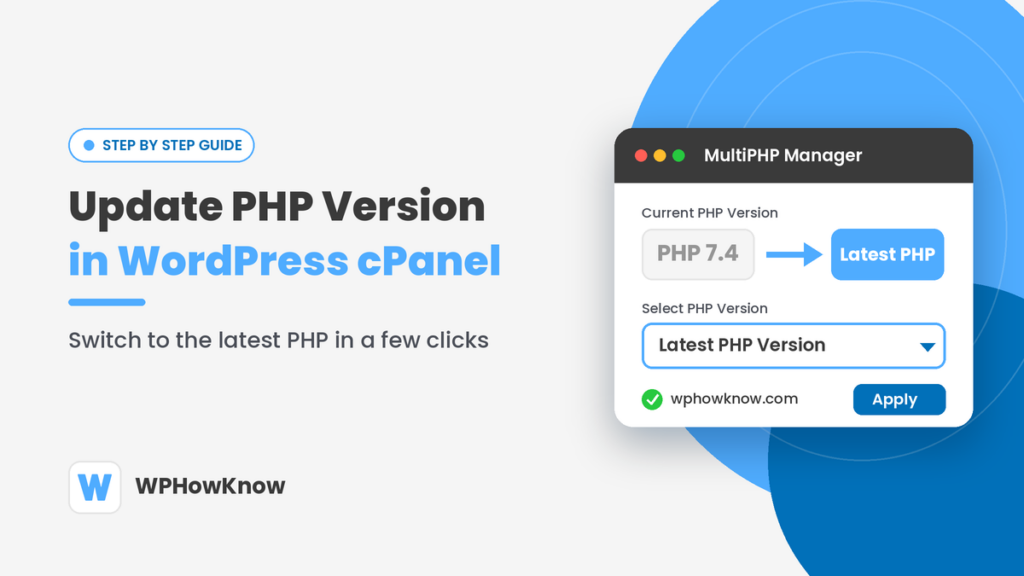
Update PHP version in WordPress cPanel using MultiPHP Manager

Is your WordPress website still running on an old PHP version? PHP is the programming language that runs WordPress, and every new version makes your site faster and more secure. The good news is that you can update PHP version in WordPress cPanel in just a few clicks, without touching […]

How to Update PHP Version of WordPress Website Through cPanel (Step by Step) Read More »

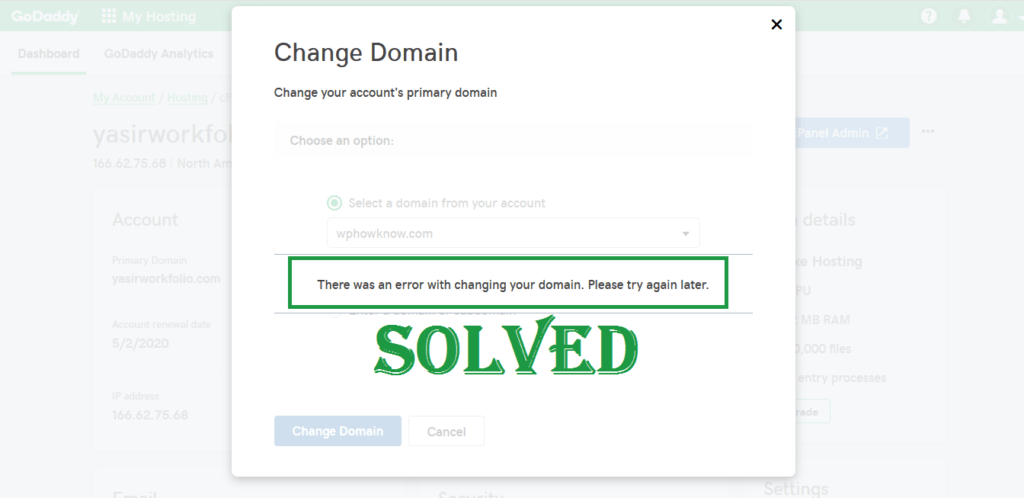
“There was an error with changing your domain. Please try again later.” GoDaddy | SOLVED

SOLVED - There was an error with changing your domain. Please try again later. GoDaddy

Sometimes when you try to change the primary domain on your GoDaddy web hosting account, you get this frustrating error “There was an error with changing your domain. Please try again later”. This error stops you from changing your primary domain on GoDaddy. The reason for this unexpected error is

“There was an error with changing your domain. Please try again later.” GoDaddy | SOLVED Read More »

Auto-Update Feature for Themes and Plugins – WordPress 5.5

The upcoming WordPress 5.5 update, expected to be released in August 2020, will introduce auto-updating feature for WordPress themes and plugins. From WordPress 5.5, users will have the option to enable or disable automatic updates on a plugin-by-plugin and theme-by-theme basis. Although WordPress auto-updates have been around since WordPress version

Auto-Update Feature for Themes and Plugins – WordPress 5.5 Read More »

Drag to move. With the helper focused, use Alt and an arrow key to move it. Use Reset position in the help panel to return it to the corner.